How to Run a Creator Page on Fanvue With No Real Person on Camera
By Marcus, AI generation expert at OFMAI · Updated
Plans from $9.99/month.
You can, and Fanvue says so itself: “Fanvue welcomes AI creators. You can run a fully AI account, or use AI as part of your content, as long as you follow our rules.” That is the opening line of “AI content on Fanvue: what’s allowed”, in the AI Creators collection of help.fanvue.com, read on 2 November 2026. A page with nobody on camera is the first of the three account types it lists, “Fully AI”: “a virtual character” whose “photos, videos and voice are AI-generated and don’t depict a real person”, requiring “your own ID verification (KYC)” — yours, not the character’s.
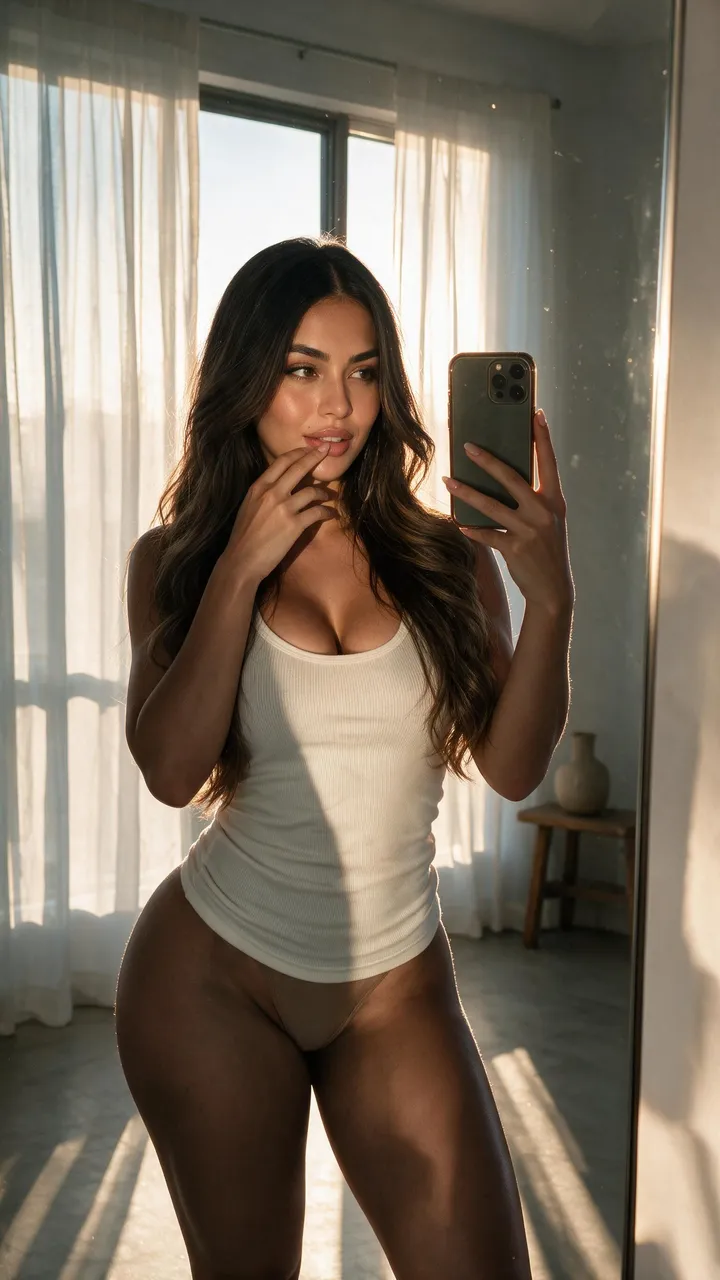
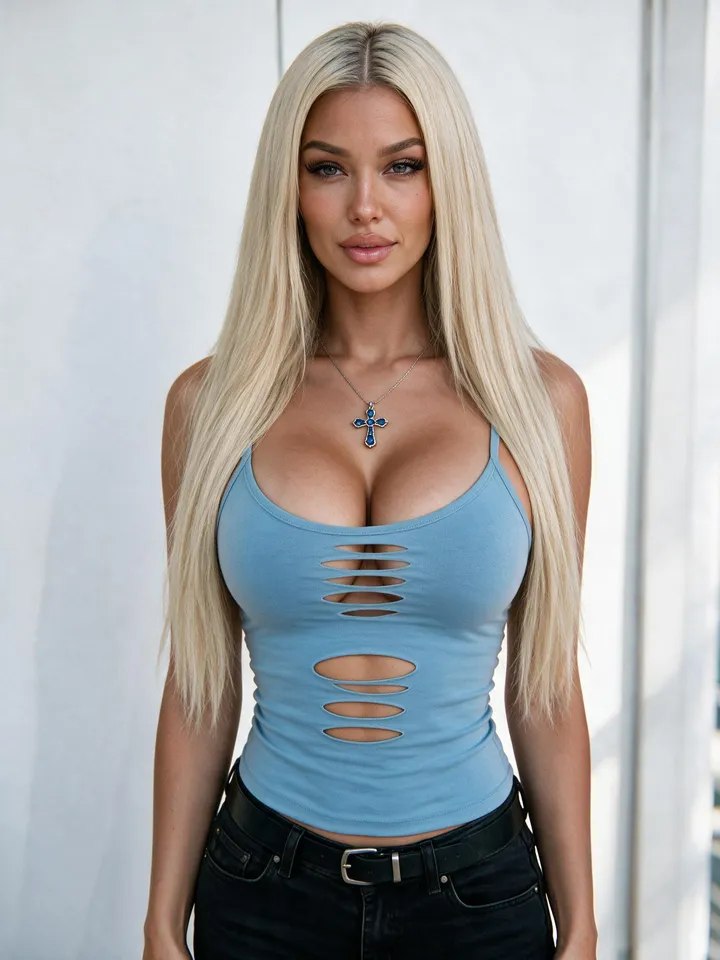
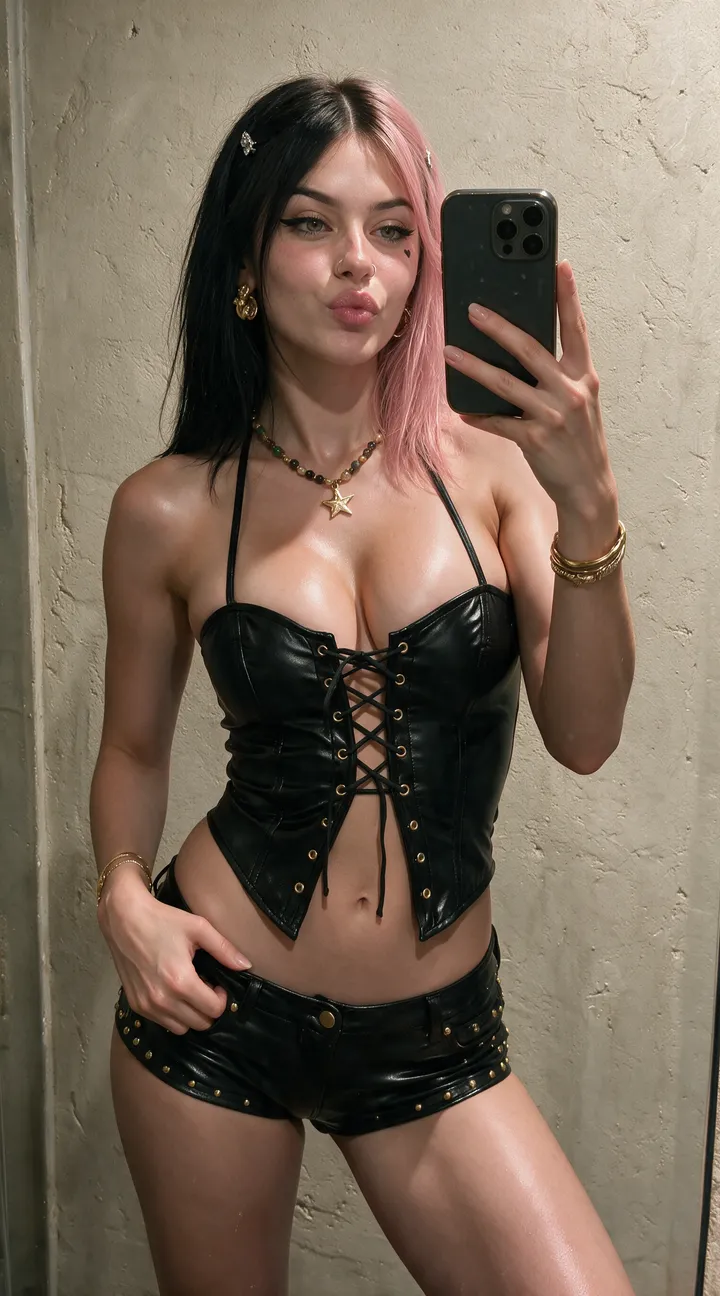
Permission is the easy half; supplying that page every week with content of the same person is the hard half. OFMAI is the studio side: build one persistent AI character from 3 reference photos with no training, or design one from a text description, then generate photos, short videos, voice notes and image edits of that same character, with the same look, body and morphology in every output. It runs in the browser with no GPU, and is listed as an app in the Fanvue App Store. It does not post for you and cannot attach Fanvue’s AI label for you, so the duties below stay yours — and Fanvue points to “Community Guidelines, Section D” for the live version.
Plans from $9.99/month.
Does Fanvue allow a creator page with no real person on camera?
Yes, explicitly. Fanvue defines the subject as “a virtual character created with artificial intelligence” that “can be realistic or entirely fictional”, and lists privacy among the reasons creators choose it: “your face doesn’t need to appear in your content. You still verify your identity with us, but this is never shown on your profile” (help.fanvue.com, read 2 November 2026). That is the shape of it — the character is public, you are verified and private.
Fanvue’s other stated reasons are saving time “without photoshoots”, creative freedom, and consistency: “keep the same look across all your content.” Consistency decides whether the page earns, and it is the one thing Fanvue cannot supply: it belongs to whatever tool makes the images.
Which type of AI account are you opening, and what does each need?
Three types, each with its own verification bill, checked at account level rather than post by post.
Fully AI — “a virtual character. Photos, videos and voice are AI-generated and don’t depict a real person.” Needs “your own ID verification (KYC)”. The match for a page with nobody on camera, and the lightest of the three.
AI persona based on a real person — “a real person’s body/face or likeness is used and altered with AI.” Needs “your KYC, plus verification and signed consent from the real person.” Read this twice if you planned to build the character from photos of a model you pay.
AI-enhanced creator — “a real, verified creator who posts their own content and uses AI for some of it (e.g. filters).” Needs “your KYC. Any AI content still needs to be disclosed.”
And covering all three: “all three types must show the AI label.” No tier is exempt, including an account that is synthetic end to end.
What are Fanvue’s rules for an AI-only page?
Six main rules, quoted rather than paraphrased. Disclose it: “AI content must be clearly disclosed, and you must never tell fans you’re a real person if your account is fully AI” — that second clause binds your DMs and captions too. No real people without consent, “unless that person is verified and has given documented consent”, celebrities and other creators included. “AI characters must look clearly adult. Prompts, captions or stated ages don’t override how the content looks.” Your own work only: no “AI content made from other people’s photos or videos”. Same rules as everyone, “including in messages”. And barred for AI characters: imitating disabilities or illness in “offensive or derogatory” ways, and copyrighted characters.
A second block, “as of October 3rd”, is stricter in three places. Disclosure “may be displayed on the profile bio, content caption, or as a watermark on the media itself”, and must be “clear and prominent”. Moderation is human: content “must pass Fanvue’s ‘Reasonable Person’s Test,’ conducted by three or more members of Fanvue’s moderation team”. And “prompt text cannot be used to ‘prove’ the age of AI-generated content” — writing an age into a prompt is not a defence; the visible result is what gets assessed.
Enforcement, in Fanvue’s words: “we may remove the content, issue a warning, hold payouts while we review, deduct earnings from that content, or suspend or close the account.” Held payouts and deducted earnings are the two nobody expects.
How do you produce a week of content with nobody on camera?
One setup step, then one repeating step — and pages fail on the repeating step, because the character stops looking like herself by the third week.
Set up once: on OFMAI you build one persistent character from 3 reference photos (portrait, front, back) with no training and ready in minutes, or design one from a text description when there is no real person behind the page at all. That second route is what matches the “Fully AI” type — nothing derives from a real, identifiable person, so there is no third-party consent to collect.
Then reuse it. One character is reused in every generation, carrying the same look, body and morphology across photos and video instead of producing a new person each prompt: photos in new outfits and locations, image edits to fix the one flaw in a good shot, image-to-video clips, and a cloned or designed voice for voice notes. OFMAI generates and exports, so you upload to Fanvue and add the AI label yourself — each platform sets its own AI rules. Failed generations are refunded automatically.
Which tool should make the content?
General image generators such as Midjourney and Leonardo are strongest on raw image quality and breadth of style, and both ship a character-reference feature meant to carry a likeness between prompts. The structural problem is that a general generator produces a new person on each prompt, so a library built that way drifts. One limit stated rather than papered over: on 2 November 2026 both tools’ guideline pages returned HTTP 403 to our automated fetch, so we are not summarising either one’s position on adult content — read their community guidelines yourself first.
A local open-weight stack on ComfyUI or Forge gives the most control and nothing to pay per image once the hardware is bought; the cost is a GPU, node graphs, LoRA training scripts and model updates you maintain forever. If you want full offline control and enjoy that work, stay local. OFMAI keeps one persistent character across photos, video, voice and edits, hosted, with no GPU and no training; you pay per credit instead of running your own hardware.
What does a month of Fanvue content cost in credits?
A clothed photo costs 2 credits, an 18+ photo 3, an image edit 2 — so fixing one bad hand costs less than rerolling the shot. A 5-second 18+ clip is 10 credits at 480p, 19 at 720p and 38 at 1080p; a second of 1080p costs 4 times a second of 480p, the biggest single lever on your bill. The character is a one-off: 12 credits from scratch, or 22 with its 18+ version included.
Plans per month: Starter 30 credits at $9.99, Pro 100 at $24.99, Business 300 at $49.99, Agency 1000 at $149.99. Annual billing saves 25%, and paid plans start at $9.99 — there is no free tier. Pro buys about 33 18+ photos, roughly $0.75 each. Subscription credits renew monthly; purchased top-up credits never expire.
When is an AI-only page not the right move?
If your bottleneck is the inbox, not the content. OFMAI is not a CRM, a chatter or a DM-automation tool: agencies run that layer on tools such as Infloww, Supercreator, OnlyMonster or CreatorHero, and OFMAI supplies the content those tools sell. If nobody is selling in the DMs, more photos will not fix the month. Offline control on your own hardware, a chat companion, or scheduling in the same tool: wrong category each time.
And if the plan depends on a real person’s likeness you have no documented consent for, it is closed at both ends: Fanvue requires that person’s verification plus signed consent, and OFMAI permanently blocks any real person’s likeness used without consent.
At a glance: what a fully AI Fanvue page needs
- Account type “Fully AI”: a virtual character whose photos, videos and voice do not depict a real person (Fanvue help centre, read 2 November 2026).
- Your own ID check (KYC) — “never shown on your profile”.
- The AI label, on all three AI account types, with no exemption.
- Disclosure in the profile bio, the caption, or as a watermark — “clear and prominent”.
- Never claim to be a real person in DMs or captions.
- No real, identifiable person without their verification and documented consent; characters must look clearly adult.
- Content side: one character on OFMAI from 12 credits (22 with its 18+ version), photos from 2 credits (3 for 18+), video from 7 credits (10 for 18+), plans from $9.99/month.
Clone your model and generate your first content in minutes.
Plans from $9.99/month.
OFMAI in numbers
- creators signed up
- 11,000+
- photos and videos generated
- 62,000+
- videos generated
- 9,200+
Frequently asked questions
How do I run a creator page on Fanvue with no real person on camera?
Open the account type Fanvue calls “Fully AI”: a virtual character whose photos, videos and voice are AI-generated and do not depict a real person. Fanvue asks for your own ID verification, not the character’s, keeps it off your public profile, requires the AI label, and forbids telling fans you are a real person (help.fanvue.com, read 2 November 2026). Then you need a pipeline: on OFMAI you build one persistent character — from 3 reference photos or from a text description — and generate photos, short videos, voice notes and edits of that same character, then publish them to Fanvue yourself.
Do I still need ID verification if the model is entirely AI?
Yes. Fanvue lists “your own ID verification (KYC)” as the requirement for a Fully AI account, and says “you still verify your identity with us, but this is never shown on your profile.” The verified human is you; the public persona is the character.
Where does the AI disclosure have to appear?
Fanvue’s 3 October policy accepts three placements — “the profile bio, content caption, or as a watermark on the media itself” — and requires it to be “clear and prominent”. OFMAI cannot add that label for you; it is attached where you publish.
Can I build the character from photos of a real model?
Only with her verification and signed consent on file. Fanvue classes that as an “AI persona based on a real person” needing “your KYC, plus verification and signed consent from the real person”. OFMAI blocks any real person’s likeness used without consent. With no release, design the character from a description instead.
What does a Fanvue-ready photo or clip cost on OFMAI?
An 18+ photo is 3 credits, a clothed photo 2, an image edit 2. A 5-second 18+ clip is 10 credits at 480p and 38 at 1080p. Plans run from 30 credits at $9.99 a month to 1000 credits at $149.99. Failed generations are refunded automatically.
Does OFMAI post to Fanvue for me, or answer my fans?
Neither. It generates and exports content and is not a scheduler, publishing hub, CRM or AI chatter. OFMAI is available as an app in the Fanvue App Store, so you can open the studio from your Fanvue dashboard, but publishing and messaging stay yours.
Related: Faceless AI creator pages · How to create an AI model for OnlyFans and Fanvue · Where to build and where to sell an AI character · Does OnlyFans allow AI content? · OFMAI pricing
OFMAI is an 18+ platform for consensual, legal adult content only. We strictly prohibit any content involving minors (including synthetic depictions presented as adults), non-consensual content, and the use of a real person's likeness without their consent, enforced by automated and human moderation. Competitor names are referenced for comparison only and are trademarks of their respective owners; OFMAI is not affiliated with or endorsed by them.
Build the character your Fanvue page will run on
One persistent character from 3 reference photos or from a text description, then photos, short videos, voice notes and edits of that same character — same look, same body, every output. Hosted, no GPU, plans from $9.99 a month. You keep the publishing and the AI label.
Plans from $9.99/month.